
eSignatures on monday.com
Forget printers, scanners and endless email follow-ups. With DocExport eSignatures, you can request, track and manage legally binding signatures — all without ever leaving your monday.com workflows.
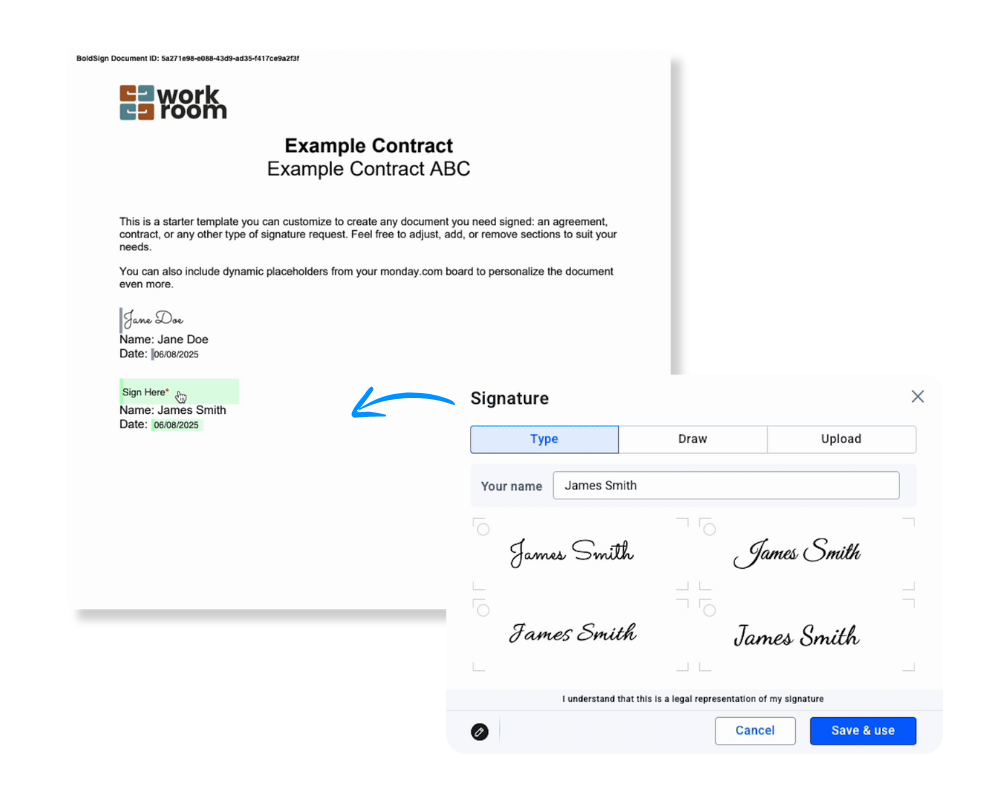
The smarter way to get documents signed
Manual signatures slow you down. Paperwork piles up. Unlike standalone eSignature tools, DocExport makes signatures a native part of your monday.com workflow.
With DocExport’s eSignature feature, you get:
- Legally binding signatures powered by BoldSign
- Fully automated workflows from document generation to signature tracking
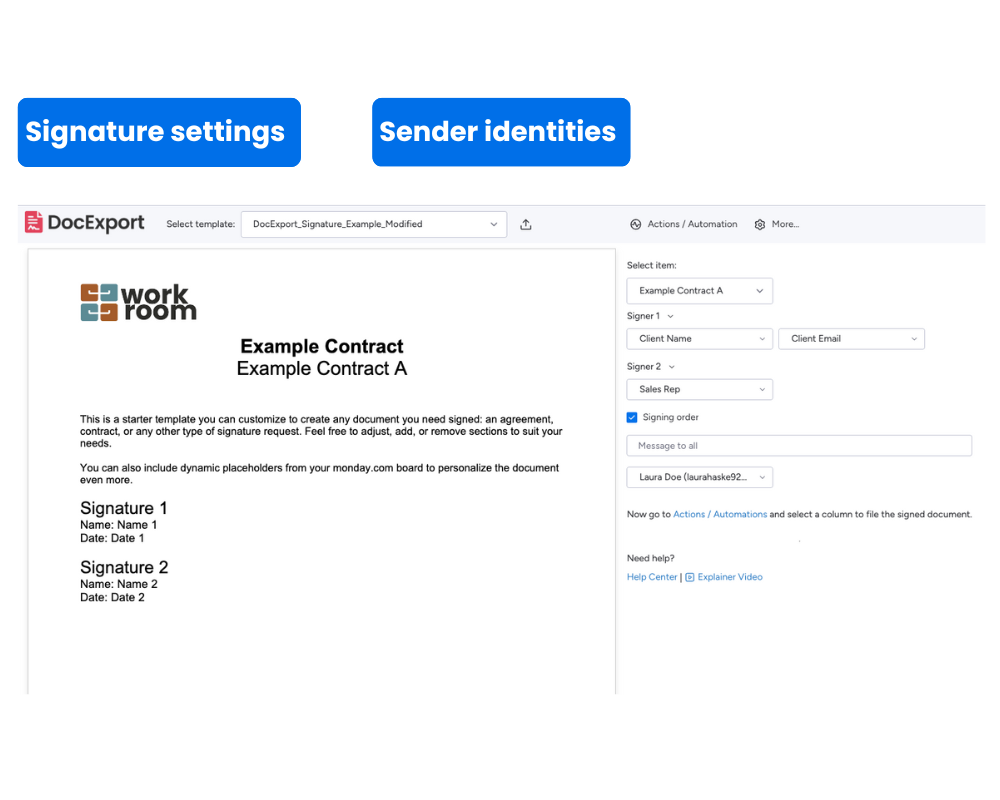
- Multiple signers & signing orders for flexible approval processes
- Secure storage of signed PDFs, always accessible on your monday board
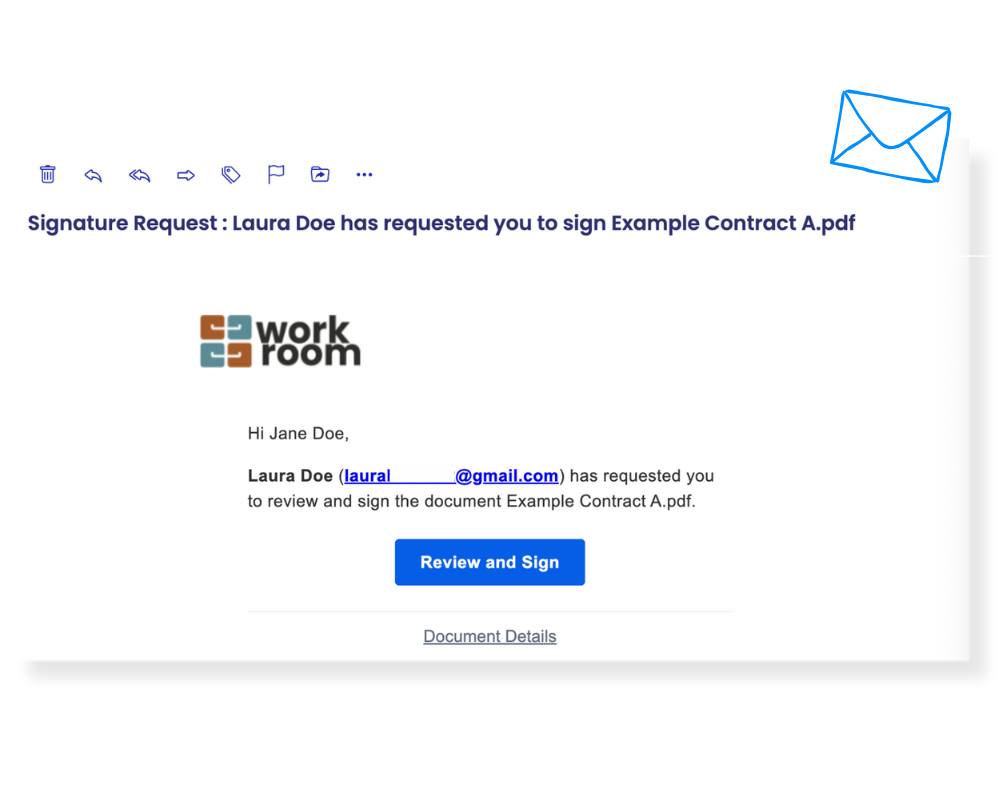
See how eSignatures seamlessly integrate into your monday.com workflow
Why teams love DocExport eSignatures
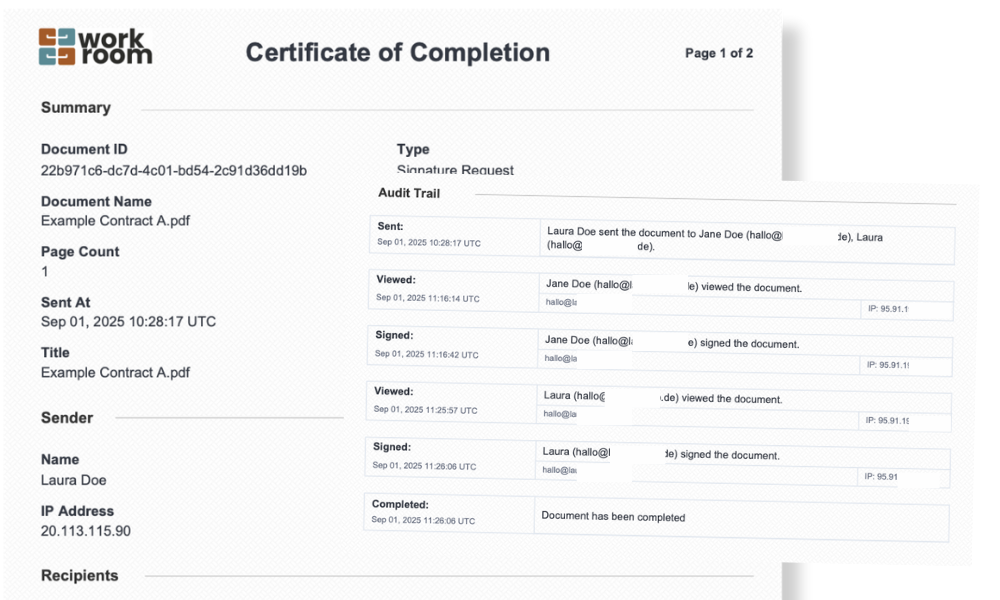
Legally Binding & Compliant
Powered by BoldSign, every document comes with a tamper-proof signature certificate and complete audit trail for full legal assurance.
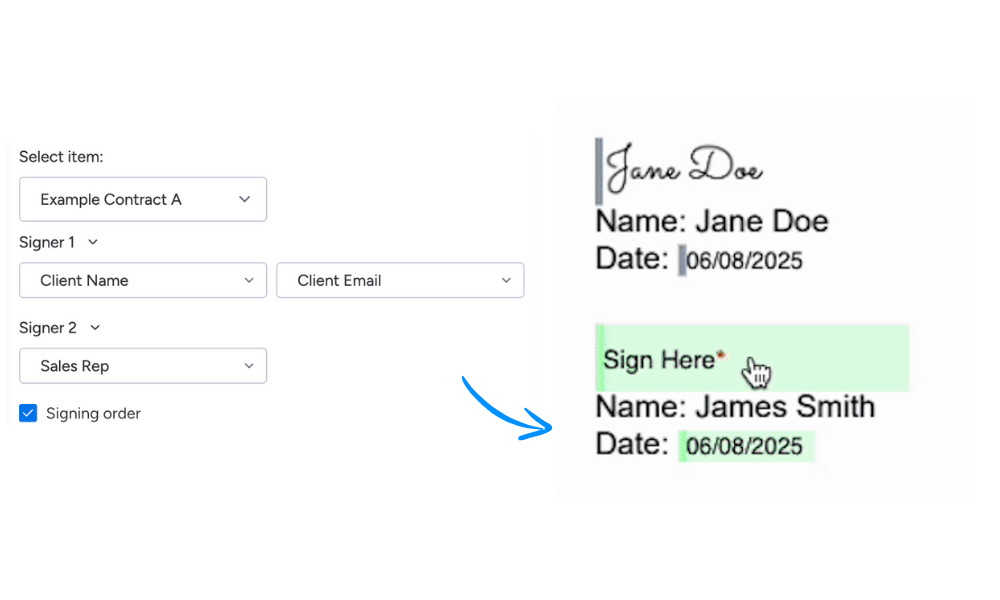
Multiple Signers & Signing Order
Need multiple approvals? Add as many signers as you like, define who signs first and let DocExport handle the routing automatically — no back-and-forth emails or confusion.
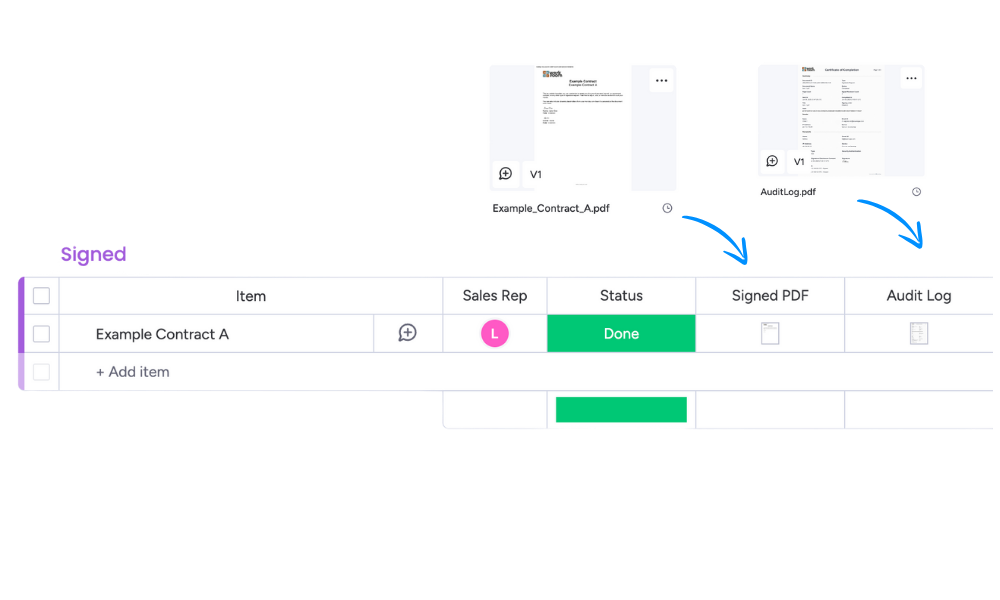
Automatic Storage in monday.com
Once signed, documents and certificates are automatically saved in your File Column. Everything stays organized, secure and connected to your workflows.
Real-time Status Tracking
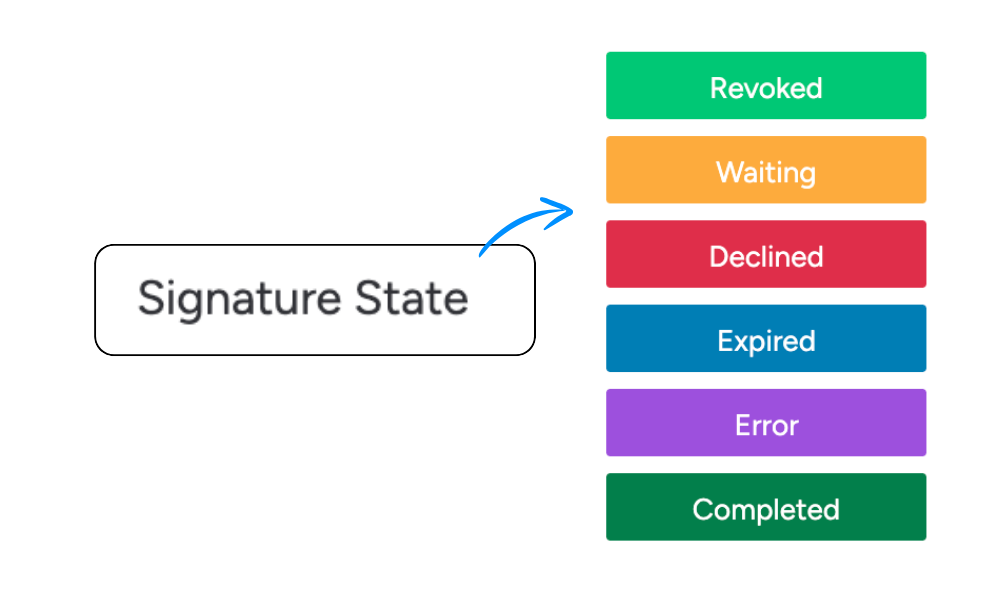
Instantly see who has signed and who hasn’t with a dedicated Signature State column. Stay in control without ever having to chase signatures.
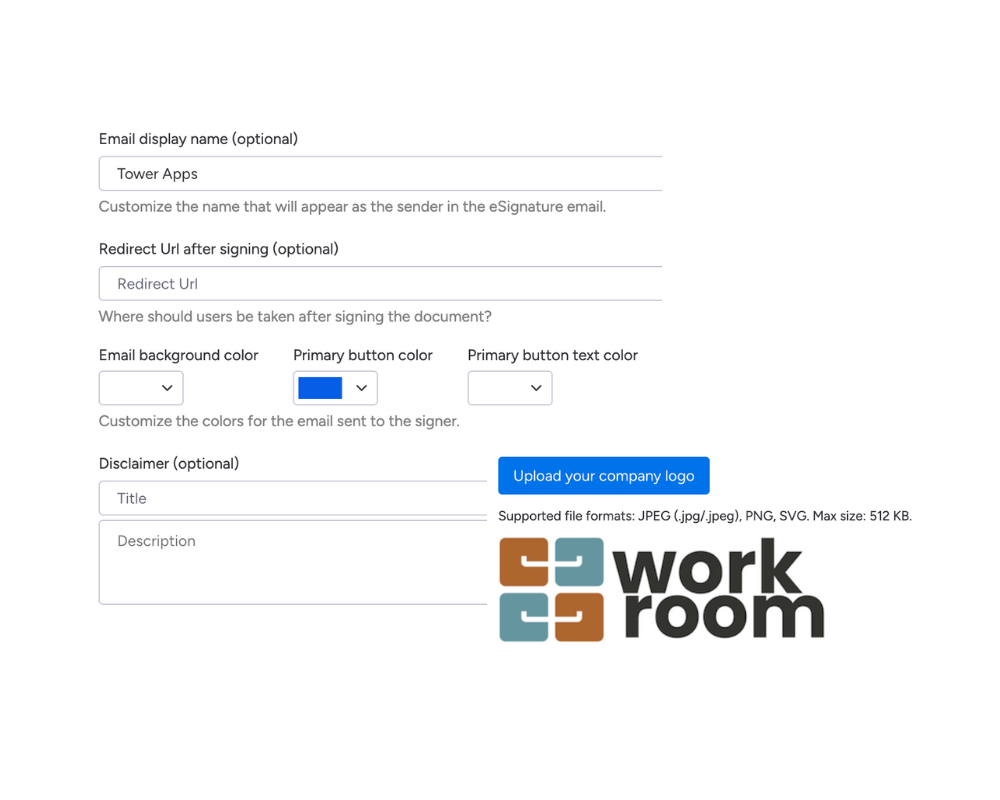
Fully branded signing experience
Customize your signing emails and portal with your logo, colors, and sender details — creating a professional, on-brand experience that builds trust.
Every signer sees a fully branded signing portal and redirect pages as well as customized emails.
Faster, safer workflows
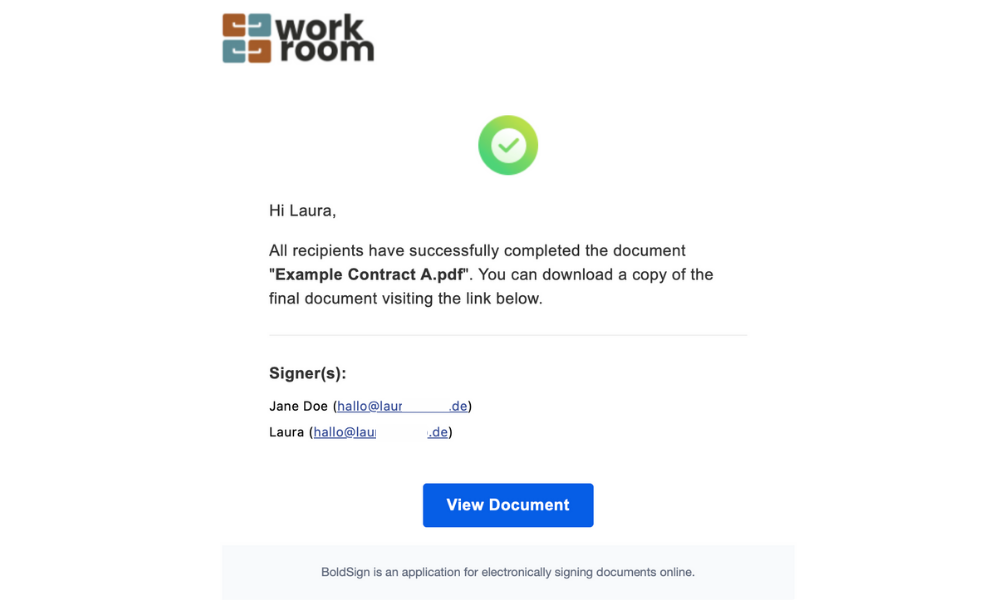
Generate, send and store signed documents seamlessly. Combined with monday automations, it’s a zero-friction workflow from start to finish.
No complicated setup. No extra tools
Step 1 – Prepare Your Template
Add signature placeholders to your document template.
Step 2 – Launch the Workflow
Trigger eSignature requests directly from your monday board, manually or through automation.
Step 3 – Track & Store
Monitor progress in real-time and automatically store signed PDFs back to monday.com, along with full audit certificates.
Perfect for every signature workflow
Whether you’re closing deals, hiring new team members or managing internal approvals, DocExport eSignatures makes it simple and secure.
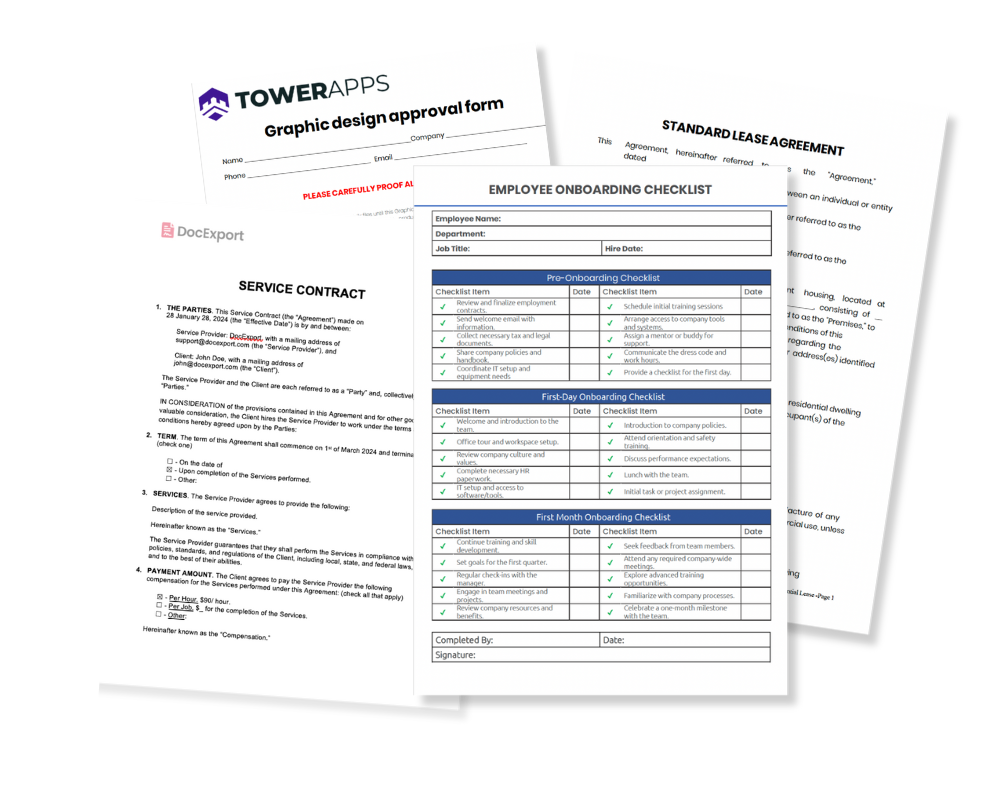
Customer Contracts: Close deals faster without paperwork delays
Employee Onboarding: Collect NDAs, offer letters and HR forms in one seamless process.
Approvals & Sign-offs: Speed up internal or external decision-making
Lease & Service Agreements: Simplify recurring document processes
Ready to make eSignatures effortless?
No more PDFs flying around. No more chasing people to sign. With DocExport, everything happens in one place - reliable and secure.